Run the platform
Admin & Artist Dashboard
A purpose-built dashboard for admins and artists to manage everything end-to-end.
10+
Connected services
100%
Reviewed before live
0
Anonymous uploads
Overview
What it is
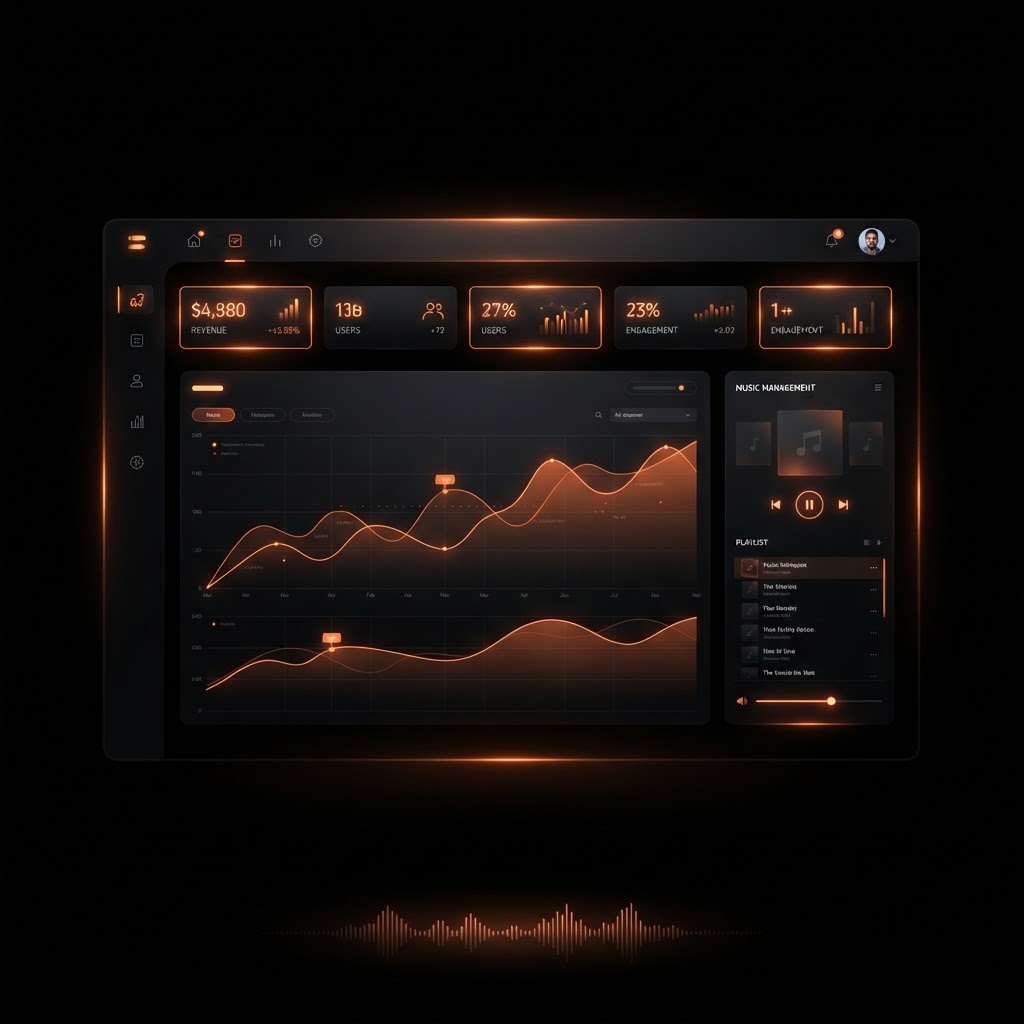
VeroPlay ships a full admin dashboard — applications, artists, track review, uploads, albums, playlists, Spotify imports, label accounts, and platform settings — alongside an artist dashboard for managing your own profile and releases, and a label portal for partner labels. Everything in one place, built for speed.
Dashboards are role-based. Admins see the full platform. Artists see their own profile and tracks. Labels see their own portal. Each role lands in the workspace that matches what it's allowed to do — with no noise from roles it isn't.
Bulk operations, filters, and fast search are built in throughout. Approve a batch of tracks, reassign an artist's catalog, import a Spotify album, or update settings — all without leaving the dashboard.
Why it matters
Why this feature is important
A platform's quality is bounded by the tools used to run it. If review is slow, verification suffers. If uploads are clumsy, metadata suffers. A purpose-built dashboard is what makes the rest of the platform's promises actually hold at scale.
Role-based dashboards keep each user focused on what they can act on — admins on the whole platform, artists on their own music, labels on their own portal. Less noise, fewer mistakes, faster decisions.
And because every action — status change, reassign, hide, delete — is logged into review logs, the dashboard gives the platform an audit trail, not just a control panel.
Benefits
Key benefits
What you actually get from this service, in detail.
Full admin dashboard
Applications, artists, track review, uploads, albums, playlists, Spotify imports, label accounts, and settings — all in one place.
Artist dashboard
Artists manage their own profile and tracks without touching anything outside their scope.
Label portal
Partner labels get a focused portal to upload and manage their own releases.
Bulk ops, filters & search
Approve batches, reassign catalogs, filter by status, and search fast — built into every list.
How it works
Step by step
The exact process this service follows, from start to published.
Sign in
Admins, artists, and labels land in their role-based dashboard automatically after login.
Manage
Upload, review, edit, and organize content with bulk operations, filters, and fast search.
Moderate
Approve, hide, or reject with full review logs — every status change is recorded with admin, date, and note.
Publish
Push verified content live to the public site. Public pages and discovery update automatically.
Use cases
Who it's for
Platform administrators, verified artists, and label partners managing day-to-day operations — each in the role-based workspace that matches what they're allowed to do.
Platform admins
Reviewing applications, moderating tracks, managing artists, and importing Spotify catalogs — all from one dashboard.
Verified artists
Managing their own profile, uploading tracks, and editing their releases without admin involvement for routine changes.
Partner labels
Using the label portal to upload and manage their releases independently, within their allowed scope.
Example
A real example workflow
How this looks in practice, end to end.
Admin signs in
An admin lands on the dashboard with an overview of pending applications and tracks awaiting review.
Applications reviewed
The admin opens a new application, verifies proof, and approves — creating a verified profile in one click.
Tracks moderated
Pending tracks are reviewed; statuses are set, visibility is toggled, and changes are logged.
Content published
Approved content goes live on the public site. The landing page and artist profile update automatically.
Feature highlights
Sub-features in detail
Role-based dashboards
Admin, artist, and label scopes.
Review & audit logs
Every status change is recorded.
Bulk operations
Batch approve, reassign, and update.
Fast search & filters
Find anything in the catalog quickly.
Trust & quality
How this supports rights & quality
The dashboard is where verification, review, and moderation actually happen — so the trust the public site promises is enforced here, every day.
Review logs give every moderation action a permanent record: who changed what, when, and why. Trust becomes auditable, not just asserted.
Ready to use Admin & Artist Dashboard?
Join VeroPlay as a verified artist, or browse the catalog to see this service in action across real public profiles.
Explore more services
Stream trusted music.
Or become one of its artists.
VeroPlay is where verified independent artists meet listeners who care. Browse the catalog, or apply to join.